Notes Output Mode
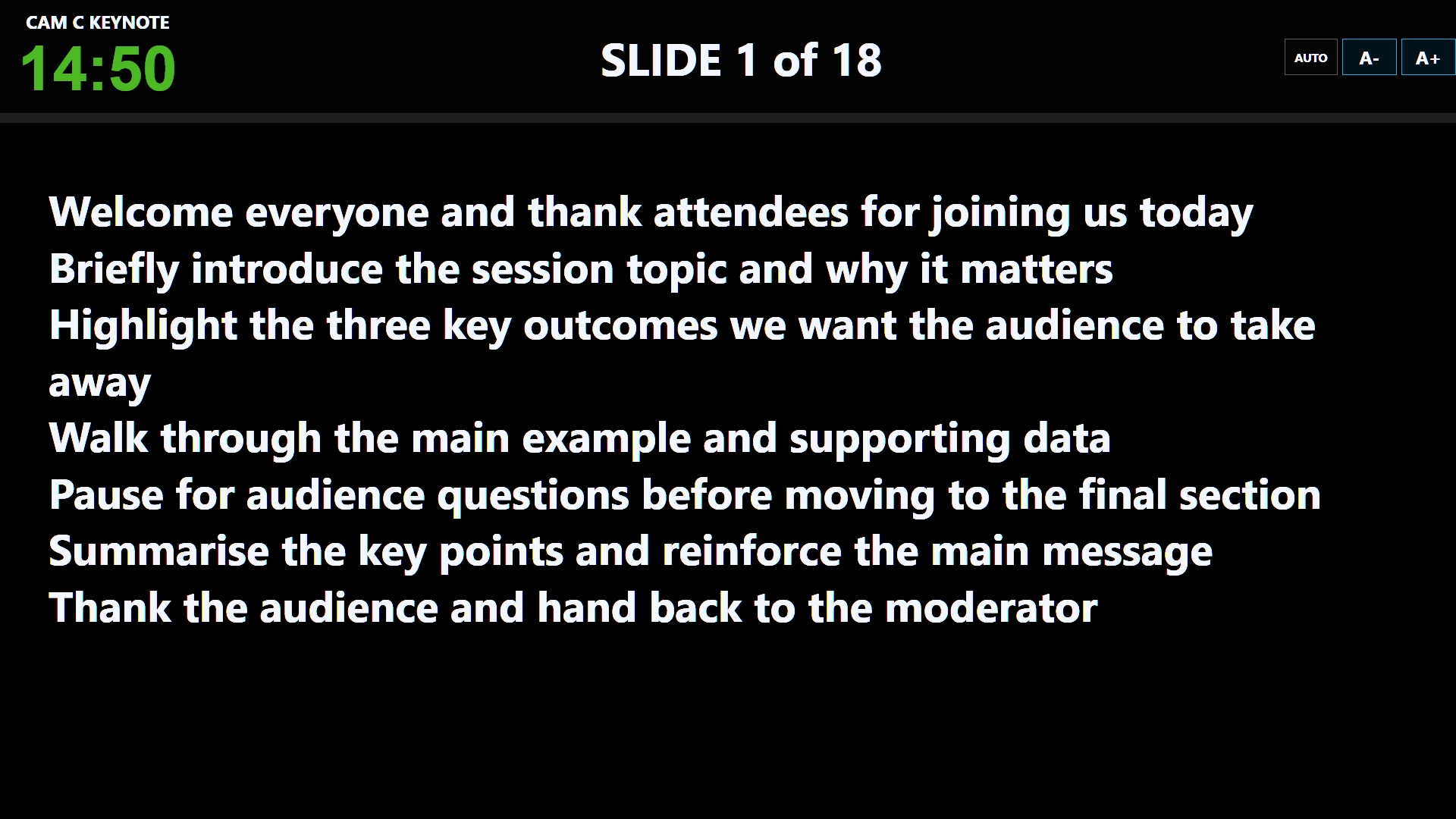
Presenter notes / Output mode
Give presenters a larger notes view on their DSMs. Notes can automatically scale to fit the display, or scroll with the C⁴ Puck’s tactile hardware scroller.
Explore the C⁴ Puck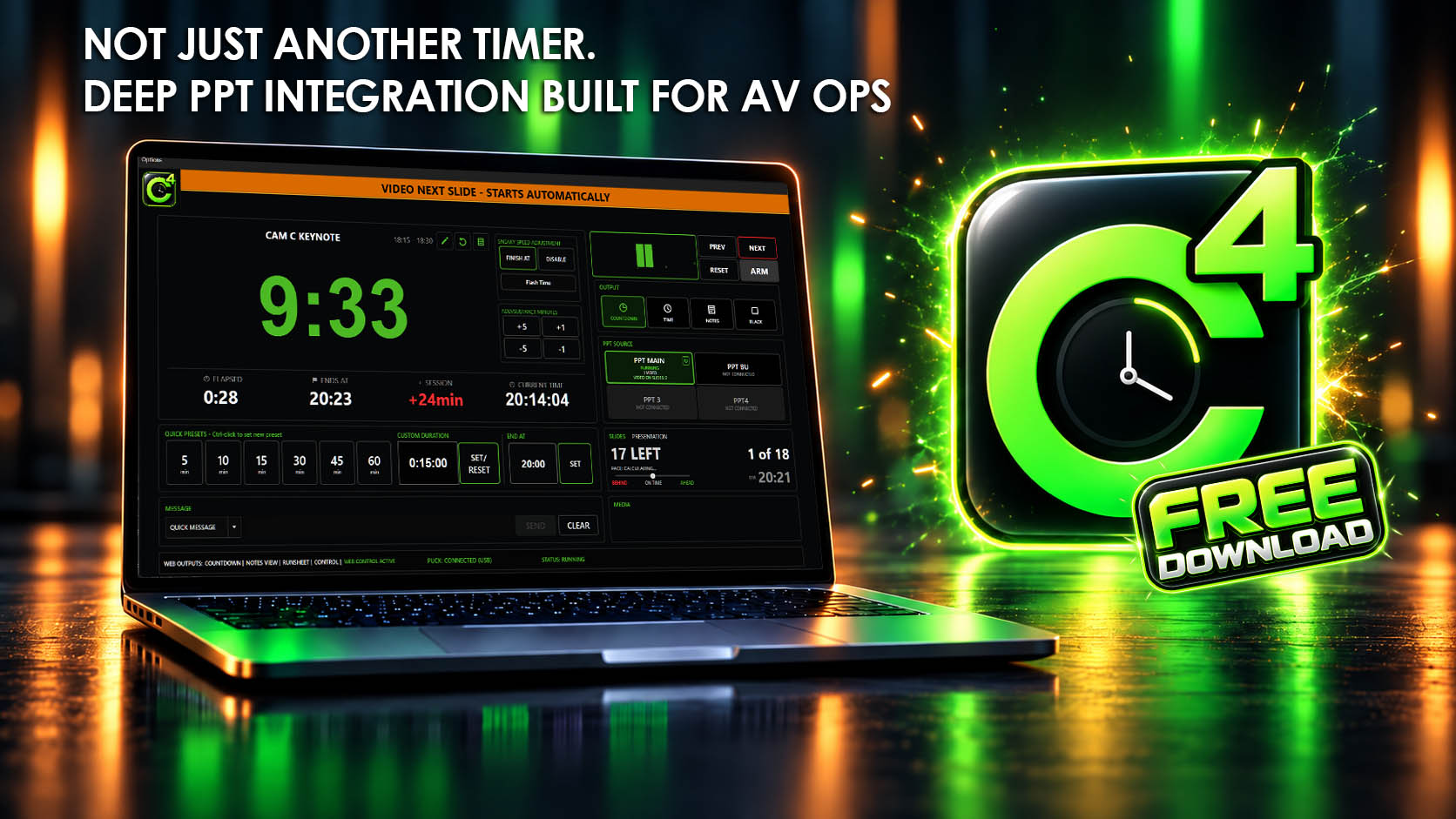
C⁴ Clock is a Windows stage timer for conference AV operators. Run speaker countdowns, monitor PowerPoint slides and media, and keep the run sheet on schedule.
Explore the stage timer workflow or see how the PowerPoint countdown and monitoring tools fit your show.
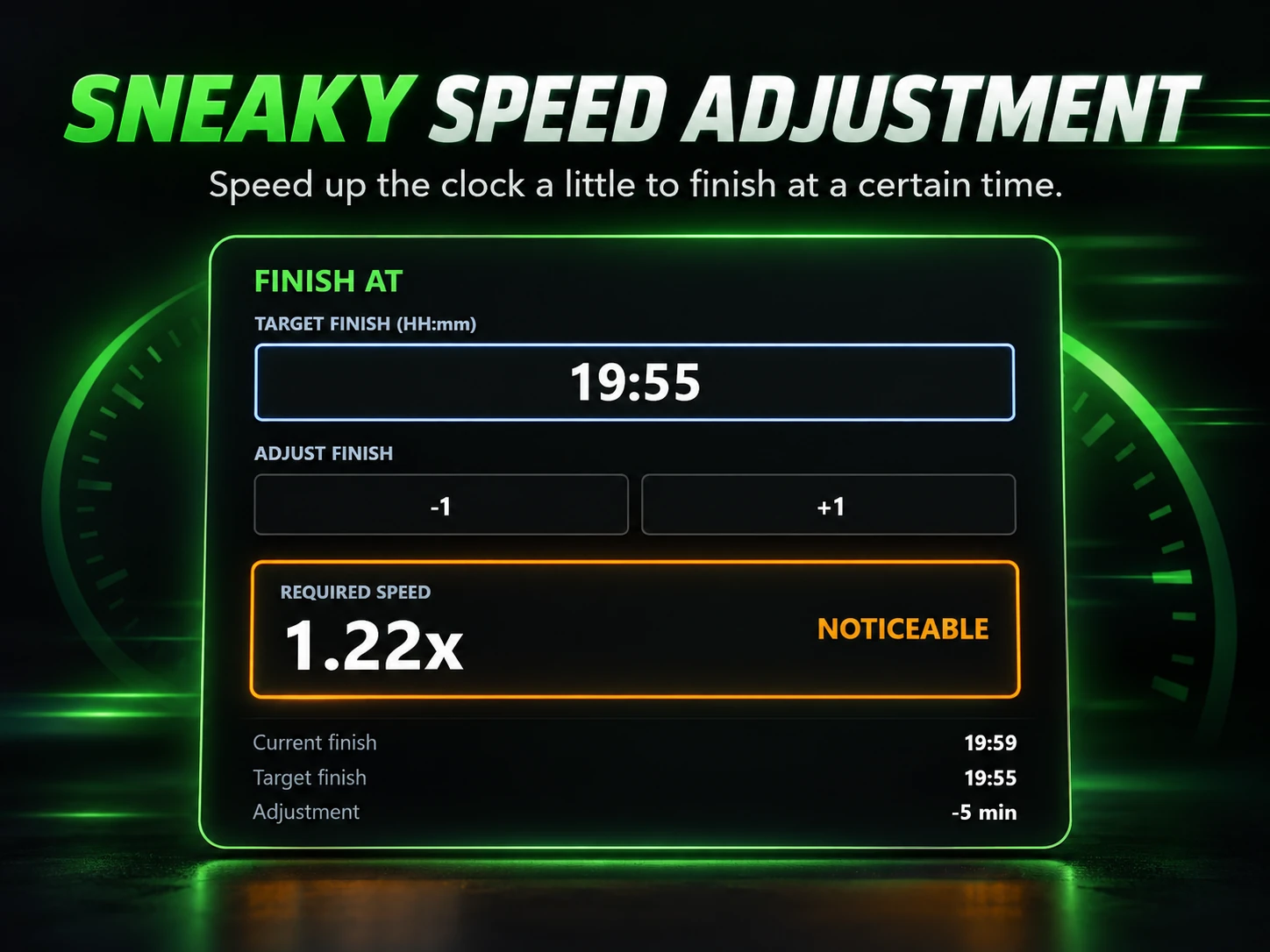
Give presenters a larger notes view on their DSMs. Notes can automatically scale to fit the display, or scroll with the C⁴ Puck’s tactile hardware scroller.
Explore the C⁴ Puck PPT Add-in
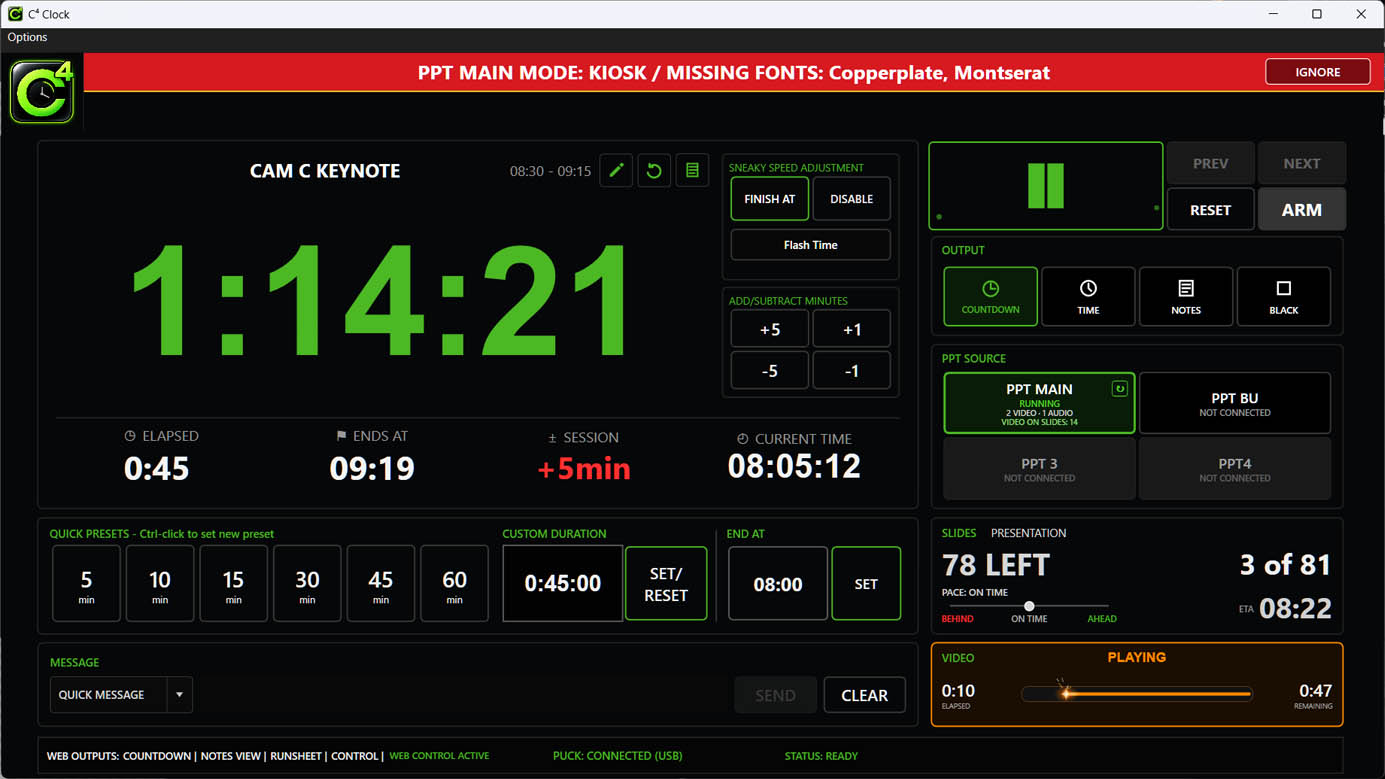
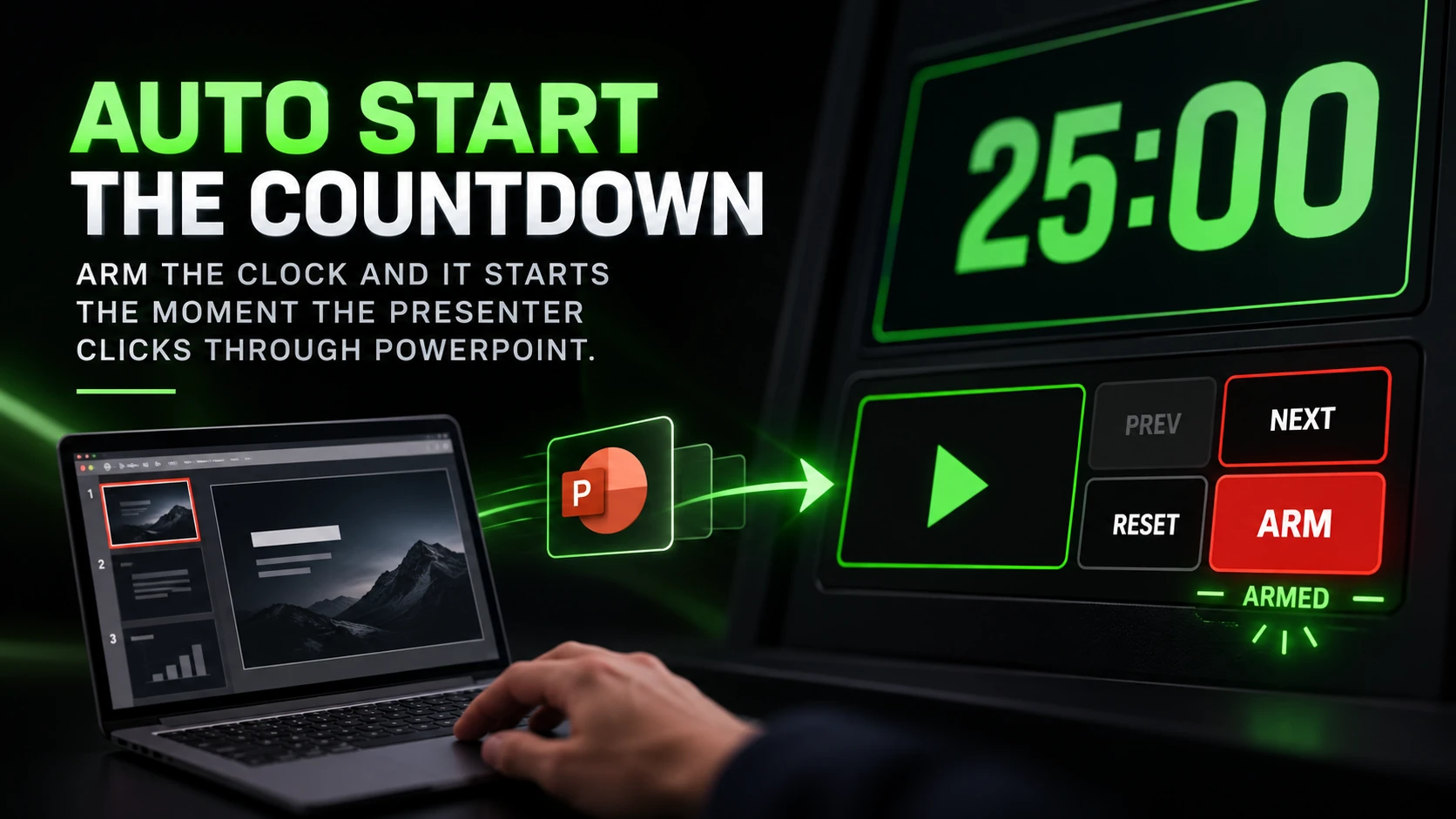
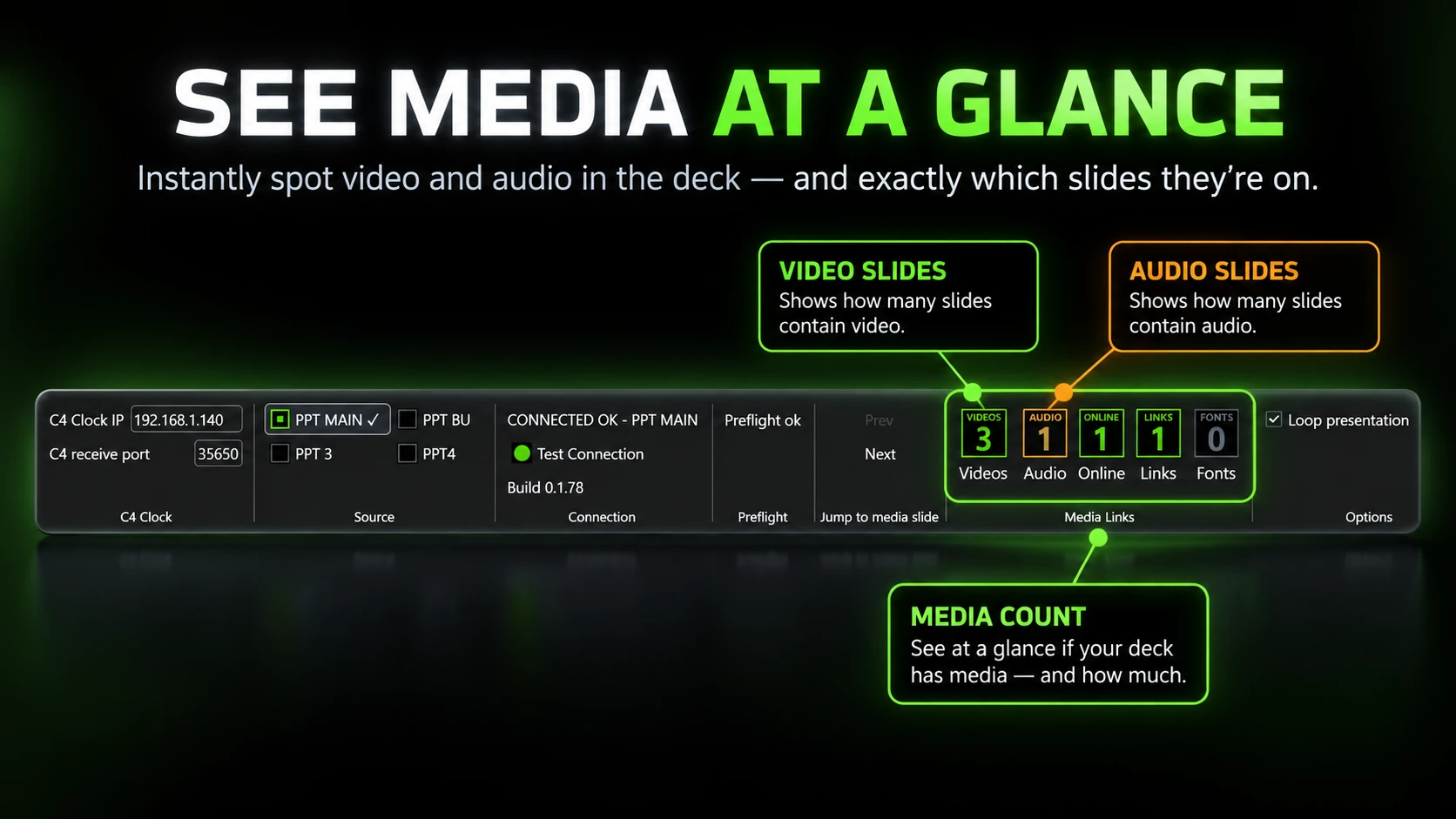
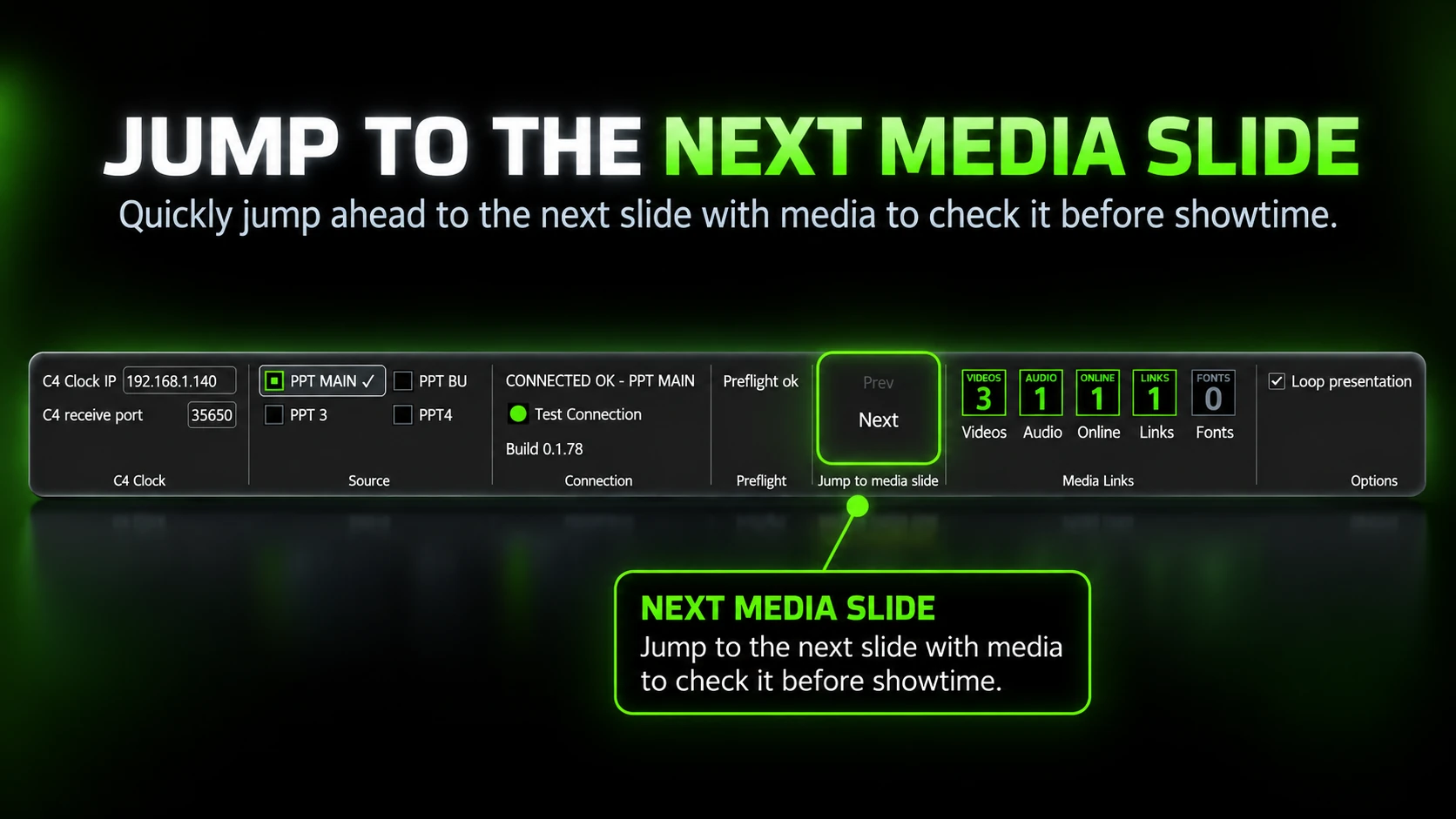
The C4 PPT Add-in not only connects and sends slide info to the C4 clock, it can also be used as a stand-alone tool to quickly find videos, audio and other media to check before show time. It’s the perfect speaker prep tool.
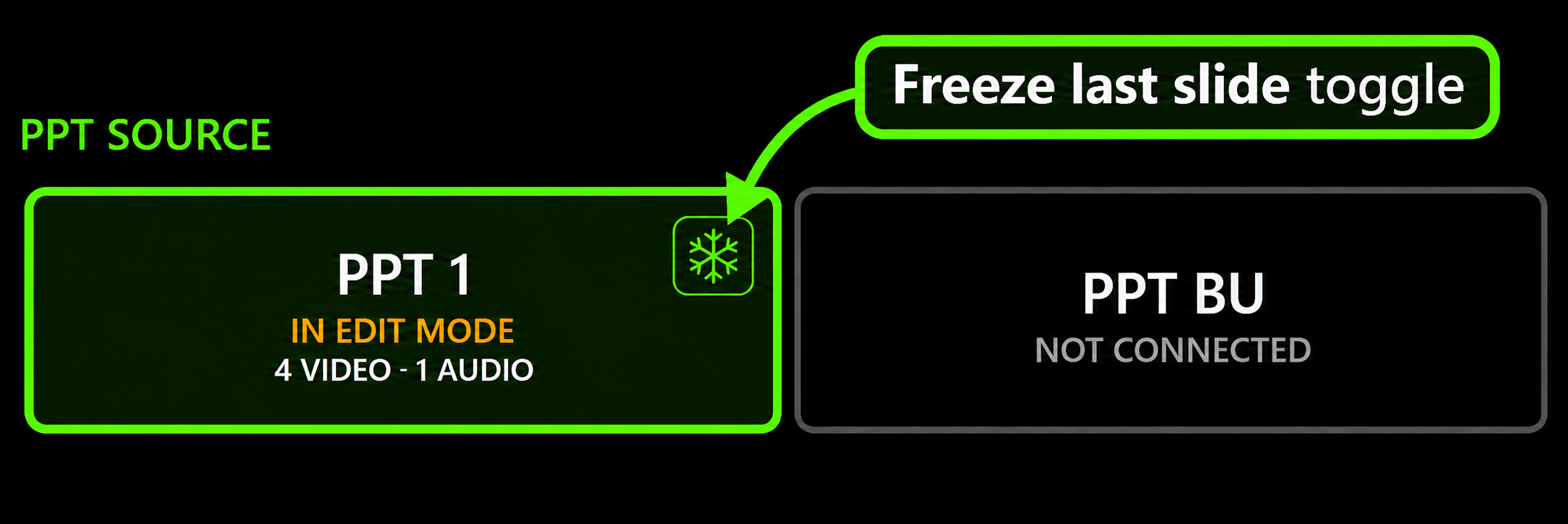
Toggle Freeze last slide from the connected PowerPoint source in C⁴. The final slide’s builds still play; after its last build, supported forward keyboard and clicker inputs are blocked. Backward navigation and Esc remain available.
Runsheet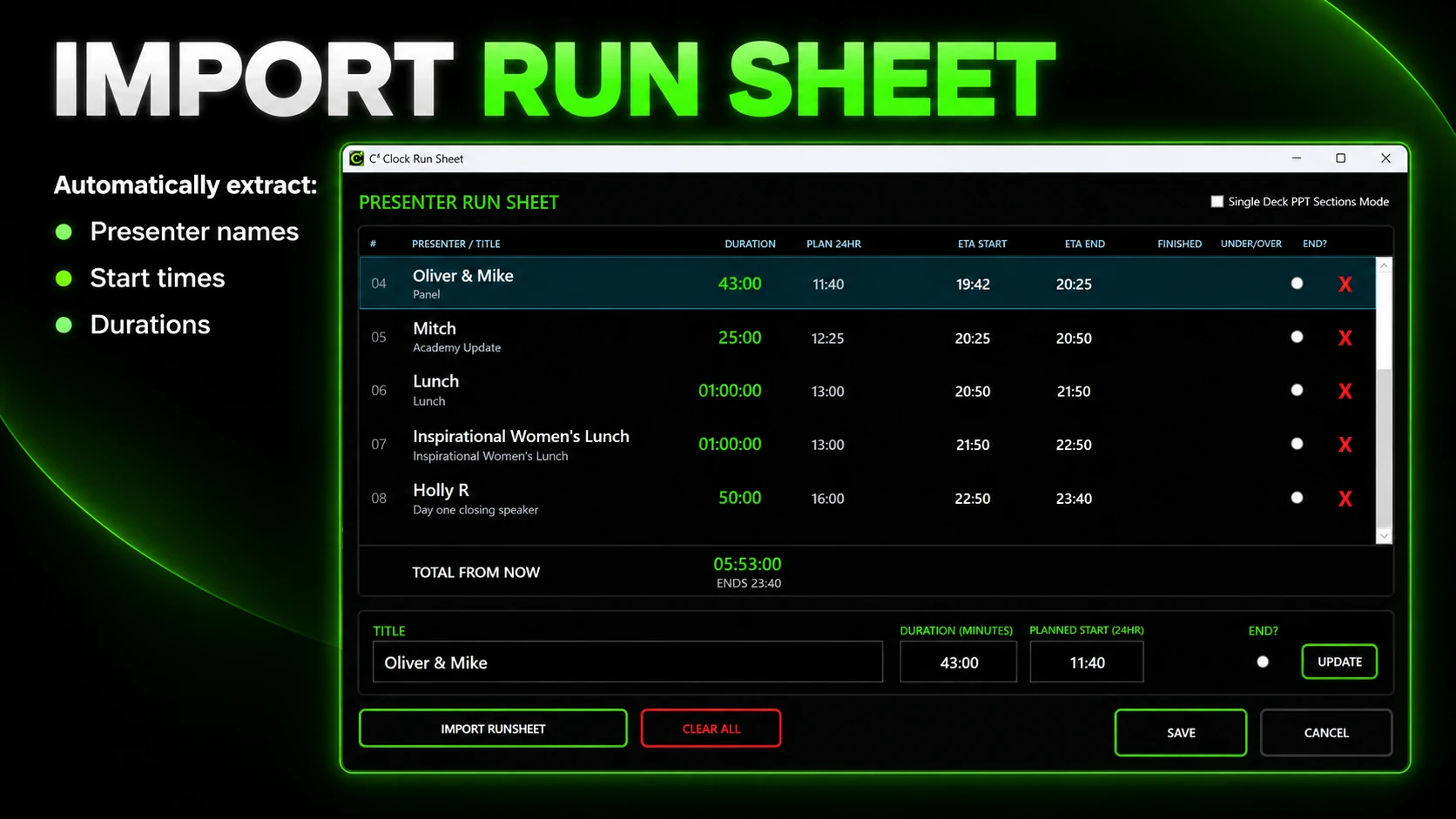
A Client run sheet tells you when the break is supposed to happen. C⁴ tells you when you are actually getting there.
Stop answering the same timing questions all day.
Give clients their own live dashboard on a laptop, iPad or phone. They can see the countdown, slides remaining, presenter pace and whether the session is running ahead or behind.
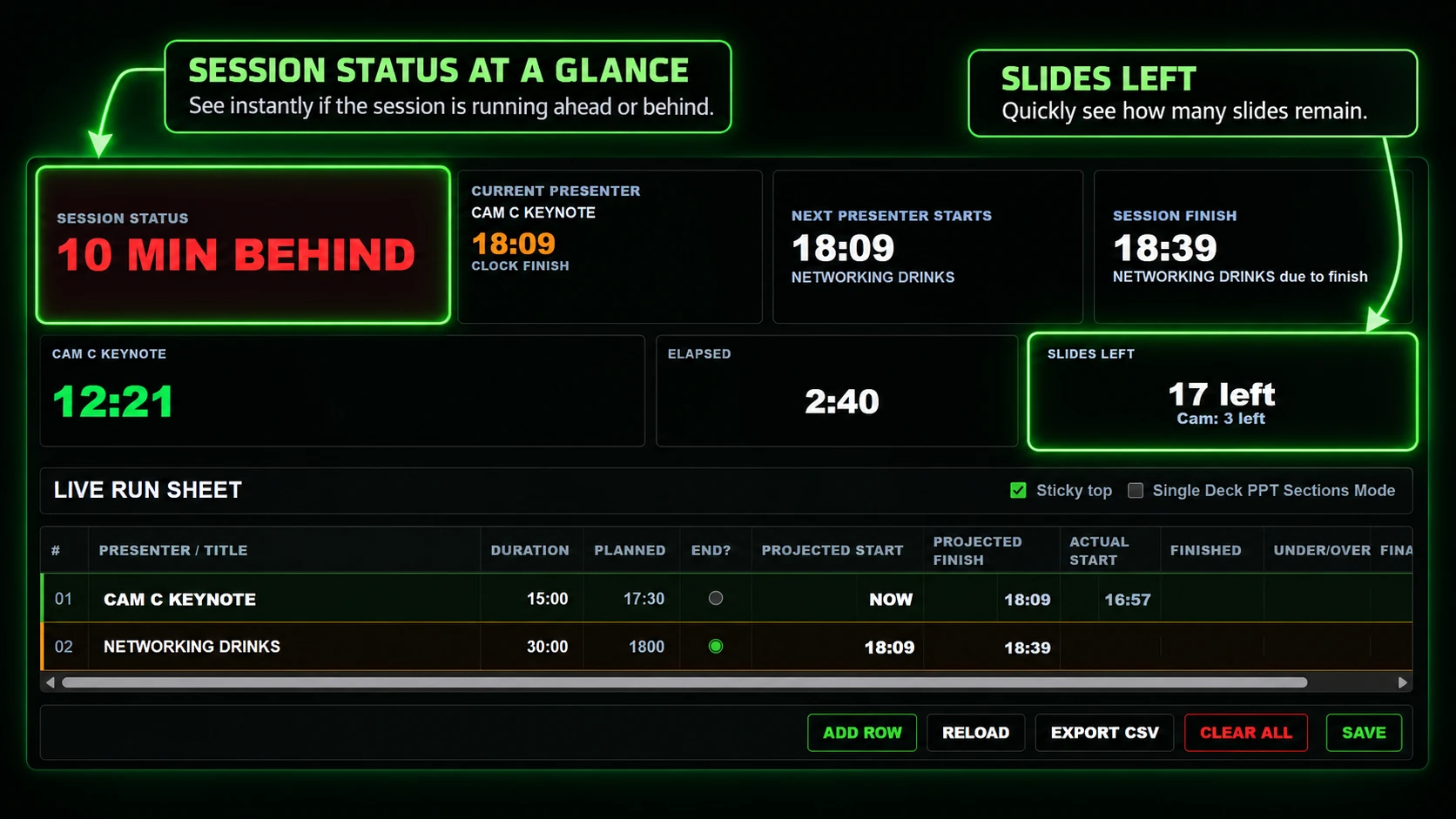
With permission, clients can adjust presenter, Q&A, panel or session times themselves — without coming back to the operator for every change.
You stay on the show. They manage the schedule.
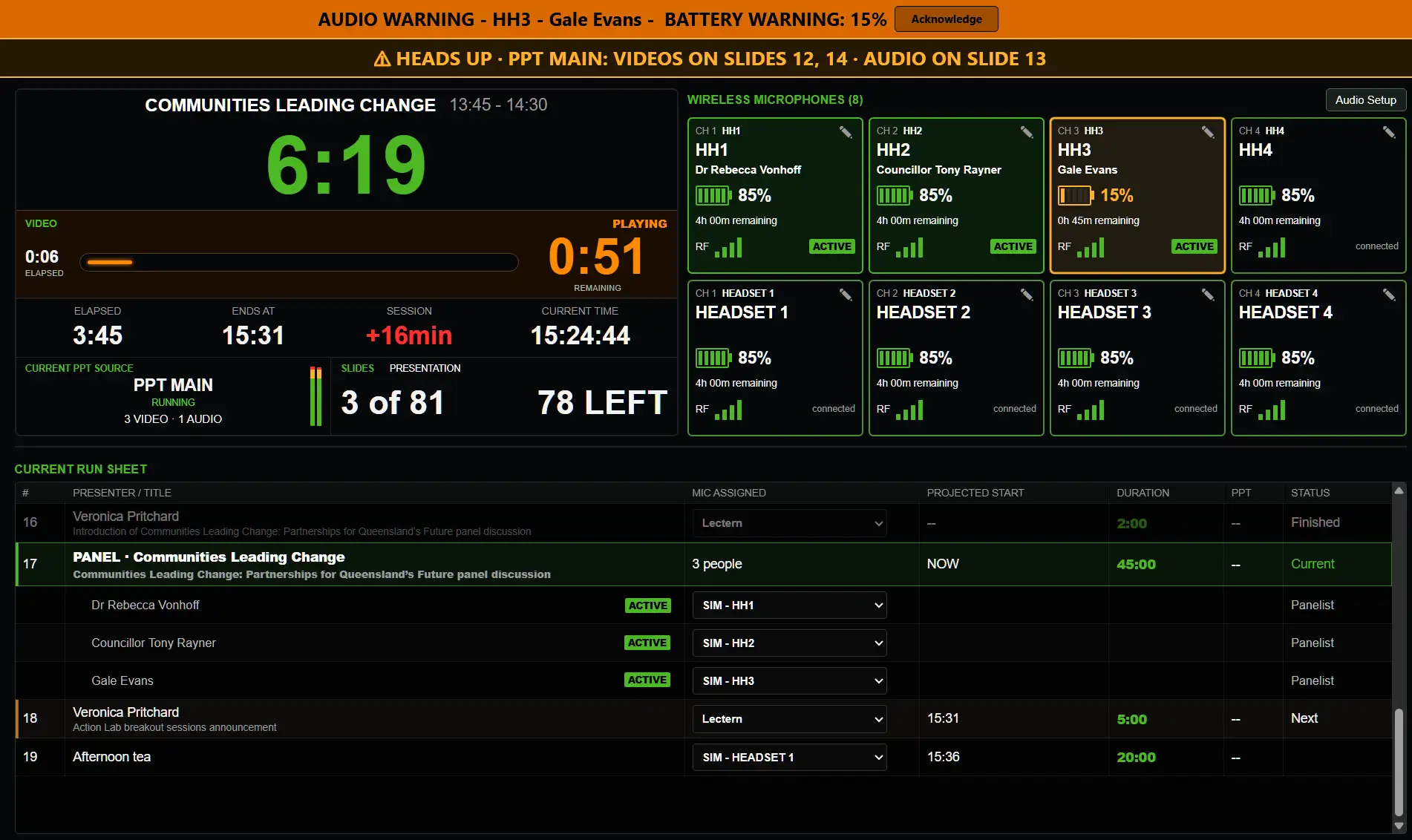
Give your audio operator their own page with just the information they need: upcoming audio cues, mic assignments, Shure wireless battery and RF signal status, and who’s next on the run sheet.
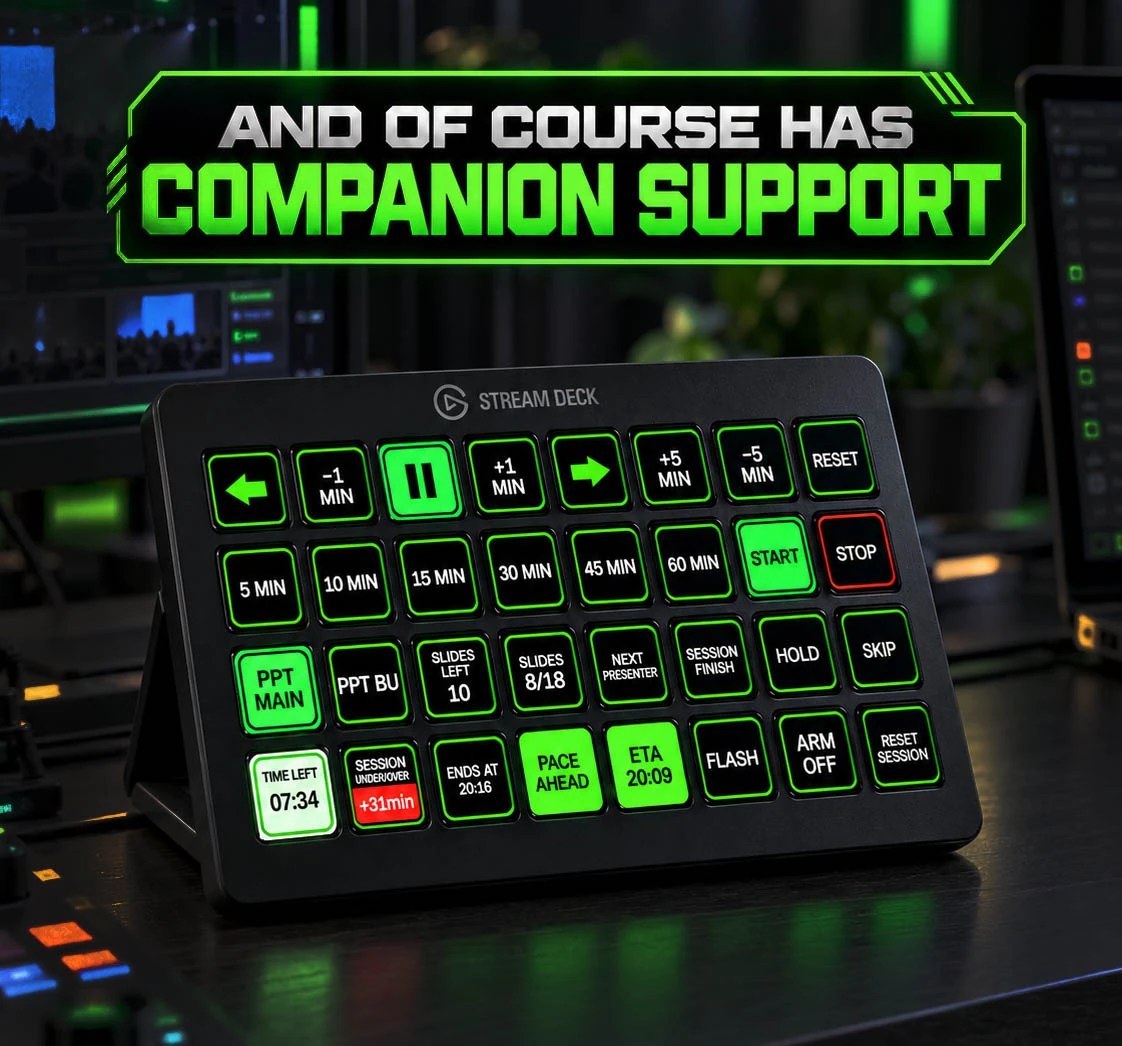
Full Companion support for timer, PowerPoint and session controls — right from your Stream Deck. Control timers, presets, PowerPoint, slide status, session timing and show functions from one familiar surface.
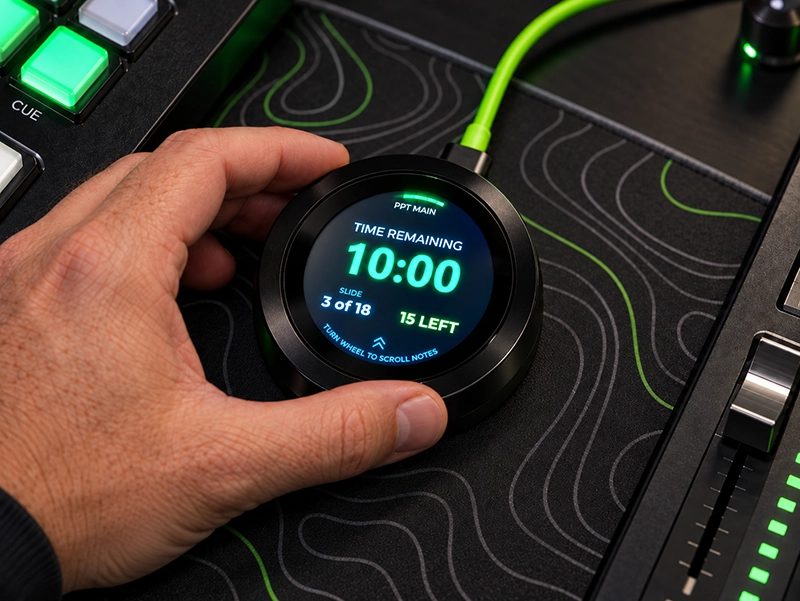
Keep your presentation notes moving without reaching for your laptop’s arrow keys or a fiddly mouse that can lose focus. The C⁴ Puck connects to C⁴ Clock and lets you scroll PowerPoint Presenter View notes directly with its tactile wheel, while keeping your countdown and slide progress close at hand.
The C⁴ Puck puts essential presentation information on a compact, round touchscreen you can keep close at hand. It connects to a compatible C⁴ Clock setup over Wi-Fi or USB, giving presenters and show teams a glanceable view of what’s happening now and what’s coming next.
Each C⁴ Puck comes with a free included PRO license.
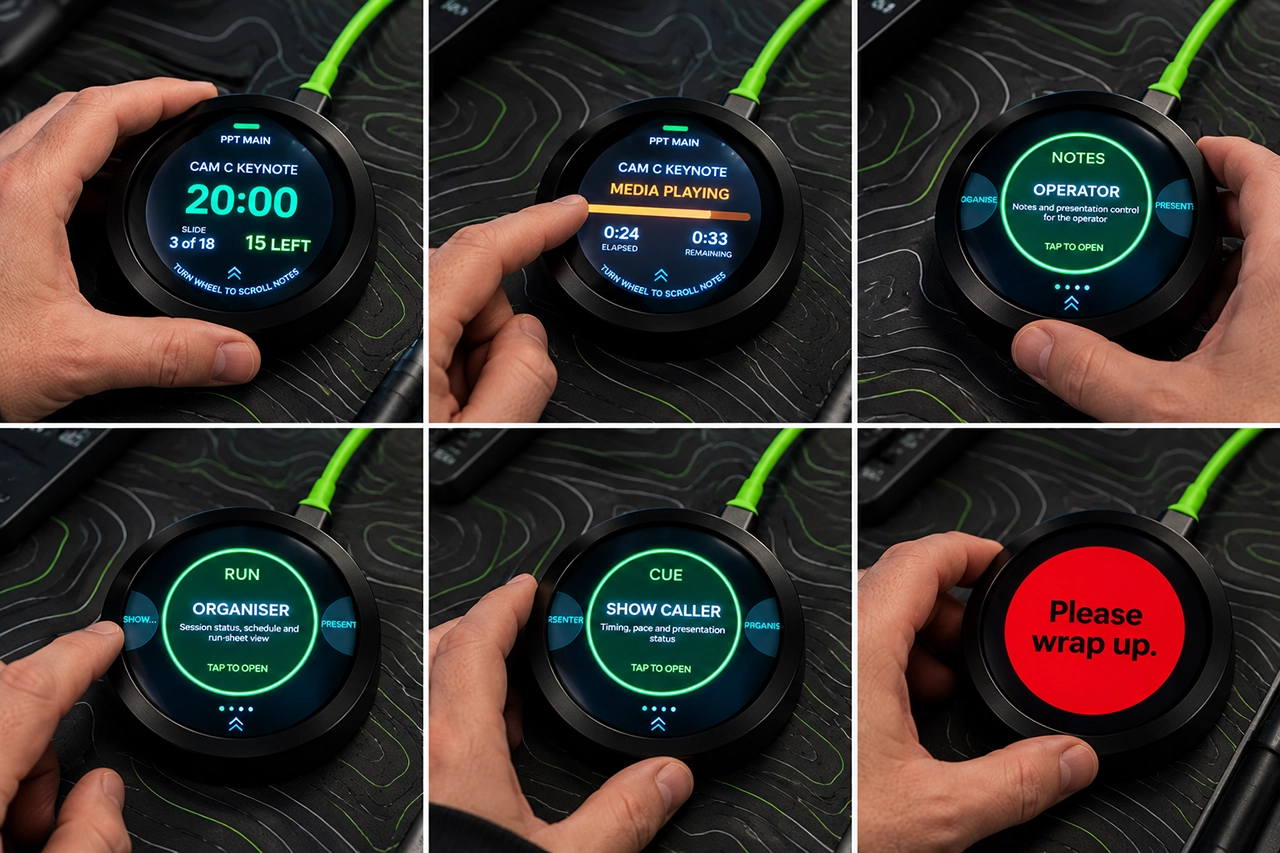
The Puck can display useful C⁴ Clock alerts, including upcoming-media cues and presenter messages. Haptic alerts help draw attention to important moments without requiring you to watch the screen continuously.
Available now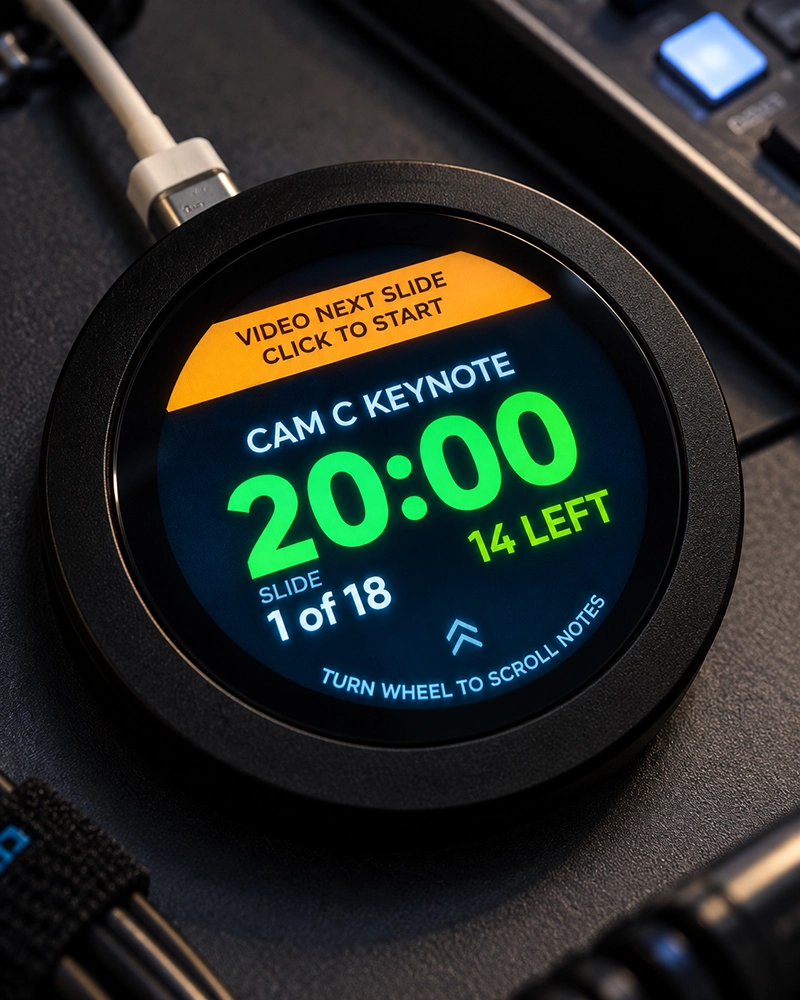
The C⁴ Puck works as a companion to C⁴ Clock; it is not a standalone presentation timer. Features and displayed information depend on the connected C⁴ Clock setup.
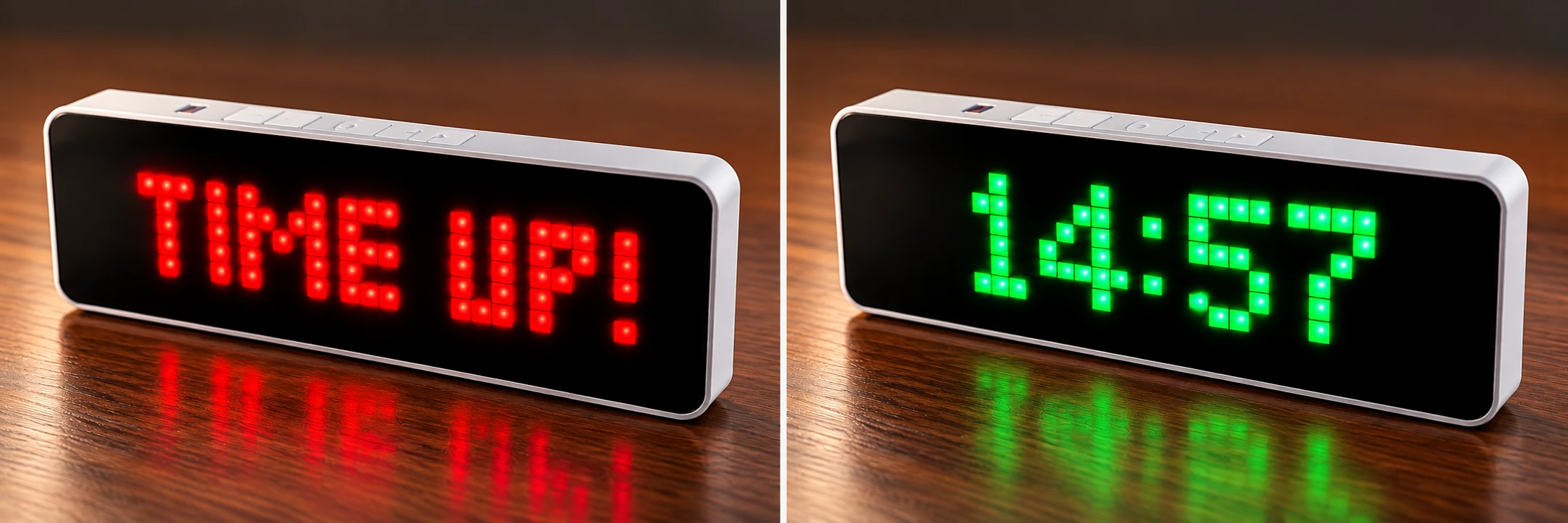
Display C⁴ countdowns and messages on the clock. 10-hour battery life supports portable use.
View the Ulanzi Pixel ClockFree vs ProChoose the C⁴ setup that fits your show.
| Feature | C⁴ FreeGreat for simple shows and solo operators. | C⁴ ProDeeper PowerPoint workflow and run sheet & client remote control. |
|---|---|---|
| Countdown timer controls | ✓ | ✓ |
| Quick presets, custom duration & end time | ✓ | ✓ |
| Windowed or borderless output | ✓ | ✓ |
| Web countdown + notes view | ✓ | ✓ |
| Companion support | ✓ | ✓ |
| PowerPoint connections | 1 PPT source | Up to 4 PPT sources |
| Freeze last slide | ✓ | ✓ |
| PowerPoint auto slideshow loading | — | ✓ |
| Slide count + slides left | ✓ | ✓ |
| Media duration countdown | ✓ | ✓ |
| Pre-show & live PowerPoint warnings | — | ✓ |
| Smart Run Sheet import | — | ✓ |
| Client live run sheet dashboard | — | ✓ |
| Web control | — | ✓ |
| Audio operator dashboard | — | ✓ |
| Wireless microphone monitoring | — | ✓ |
| Client timing adjustments | — | ✓ |
C⁴ Pro includes 3 machine activations. Need more? Company Pro is available for larger teams.
FreeInstall C⁴ Free for Windows and test it with a real conference workflow.