PowerPoint monitoring
PowerPoint media and deck status
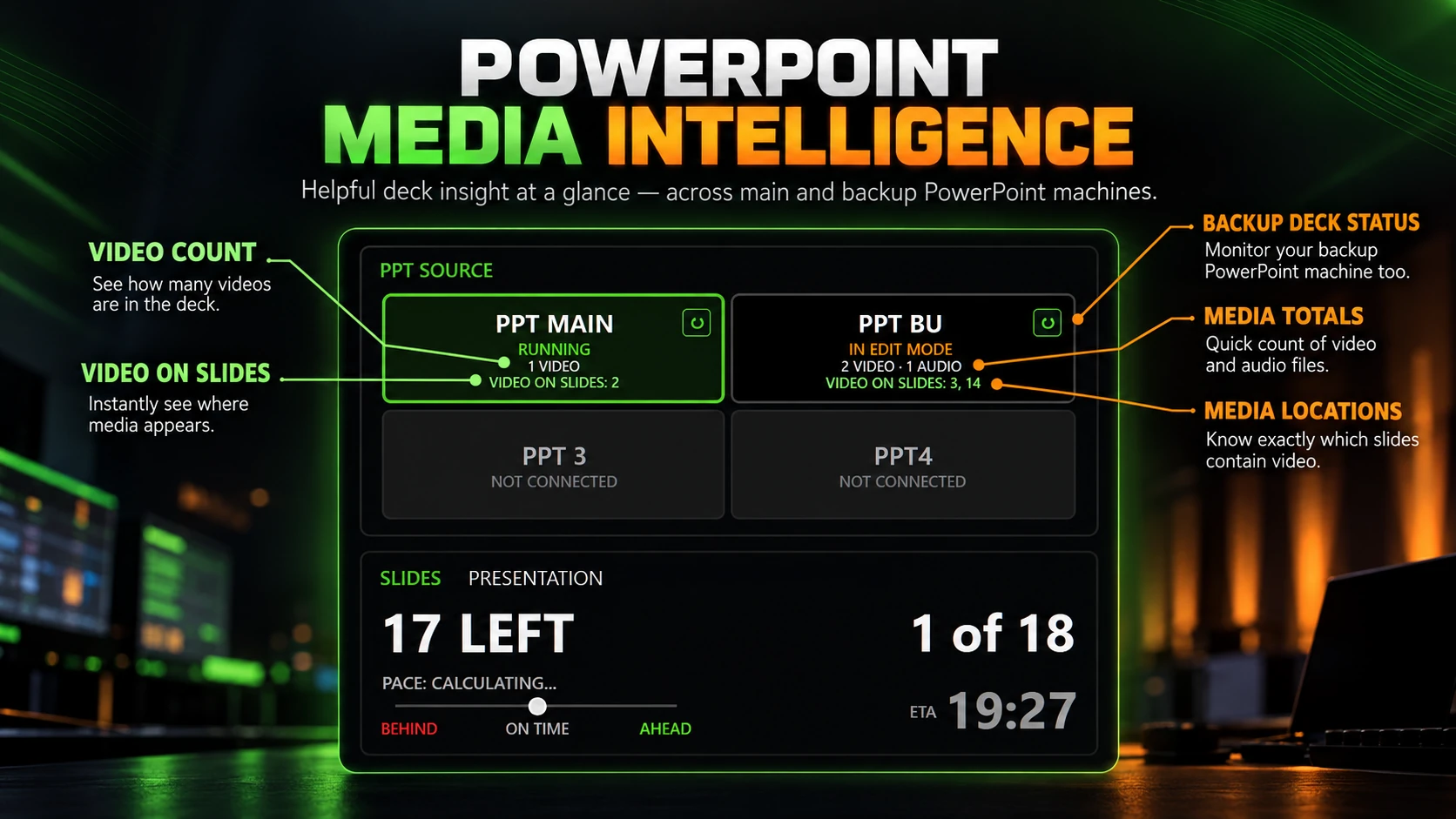
See media counts and slide locations for connected presentations. C4 can monitor a main and backup PowerPoint source independently.
Timing, PowerPoint status and session information for conference AV operators.
C⁴ PRO · LINK IT ONCE. LOAD IT TOGETHER.
Let C⁴ handle the handover. Import the client’s run sheet with presenter names and durations, then link each presenter’s PowerPoint.
With AUTO LOAD PPT on, press LOAD NEXT to load their countdown, open their presentation and put it into slideshow mode. Arm automatic start, and the countdown begins when they advance from slide 1 to slide 2.
Less juggling windows and controls. More attention on the show. Available in C⁴ Pro and an active Pro trial.
Setup & requirements →See media counts and slide locations for connected presentations. C4 can monitor a main and backup PowerPoint source independently.
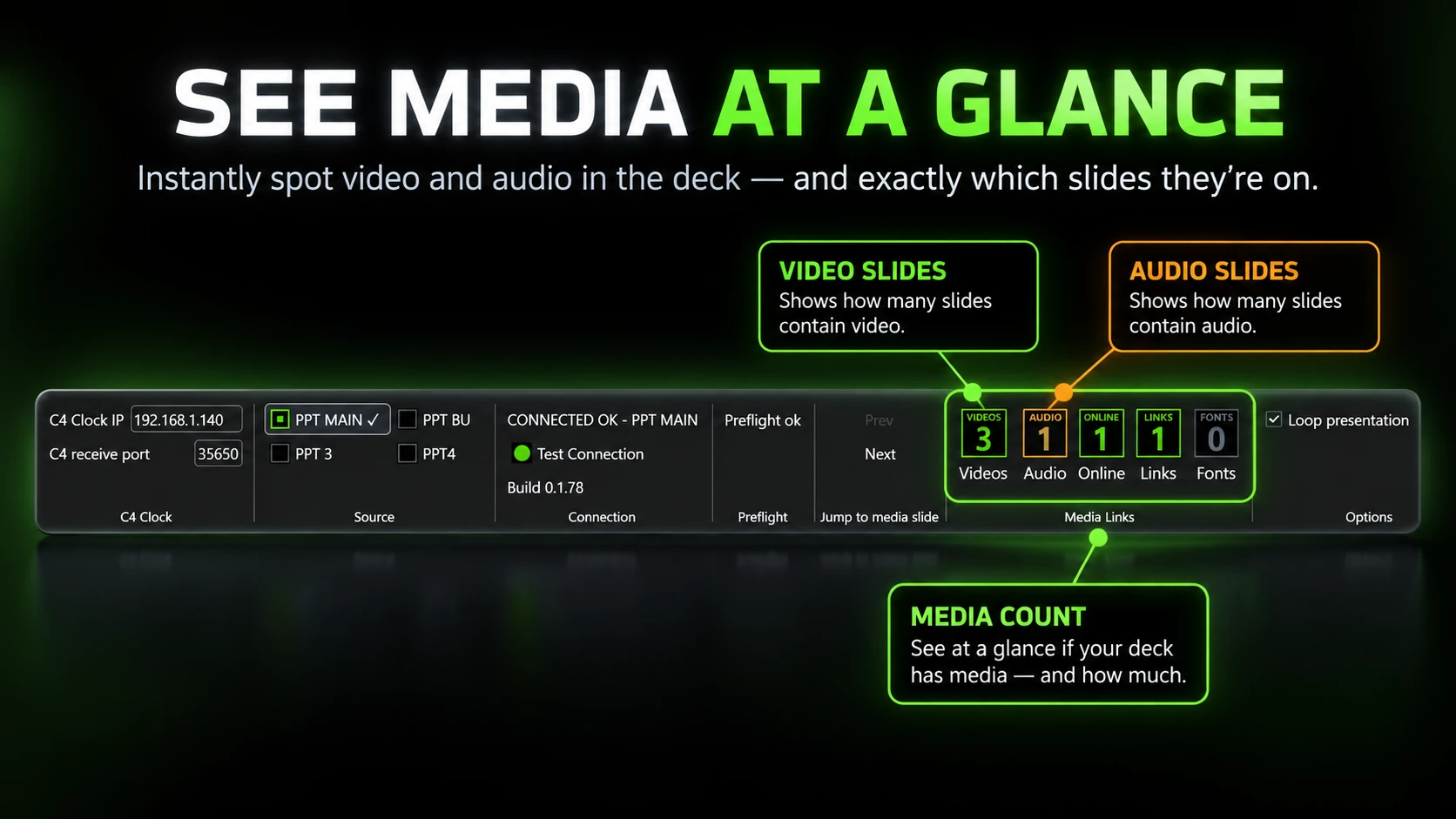
Review video, audio, online media, links and fonts in a deck, with the slides where media appears identified for the operator.
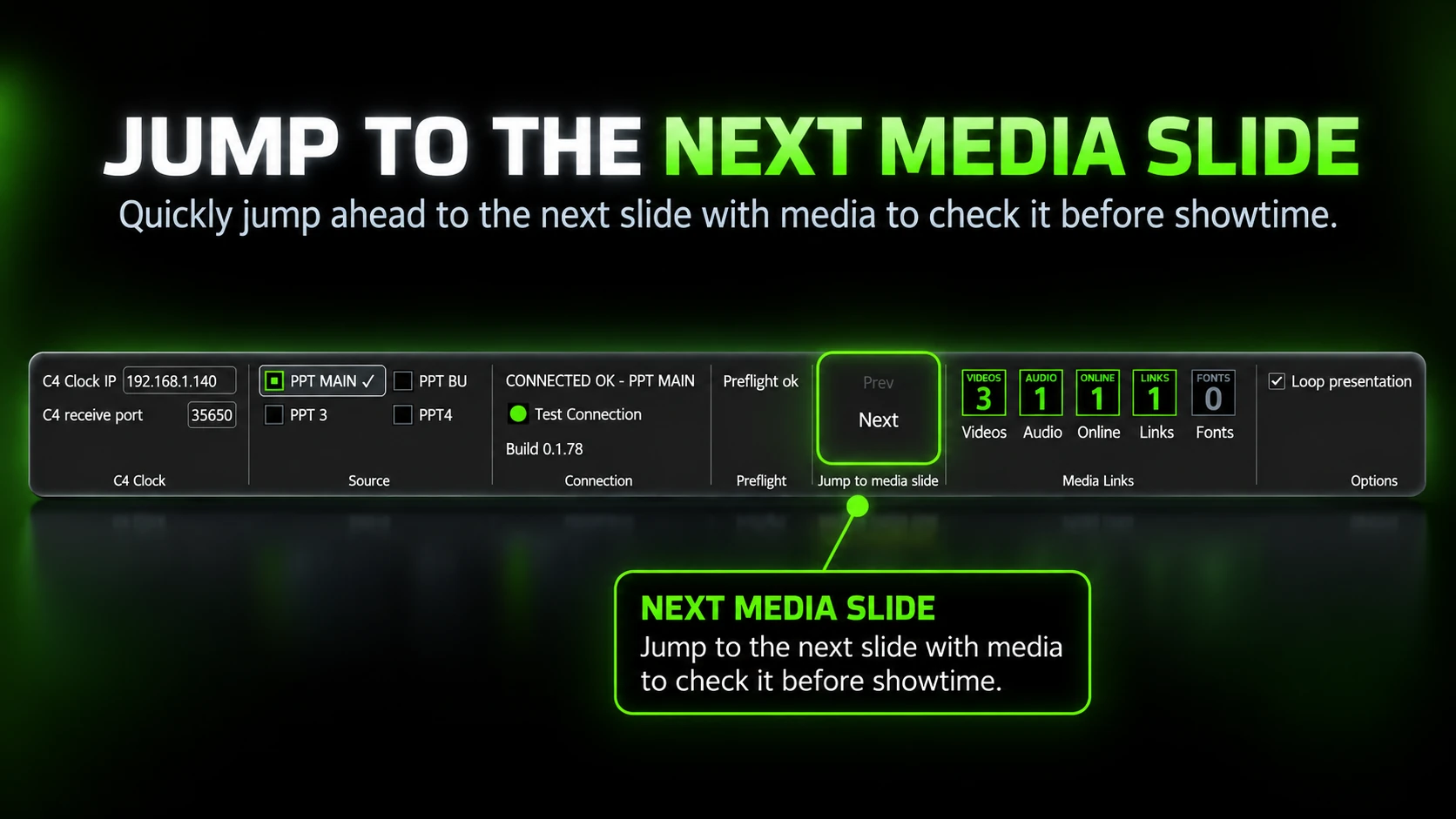
Move directly to the next slide containing video or audio during a pre-show deck check.
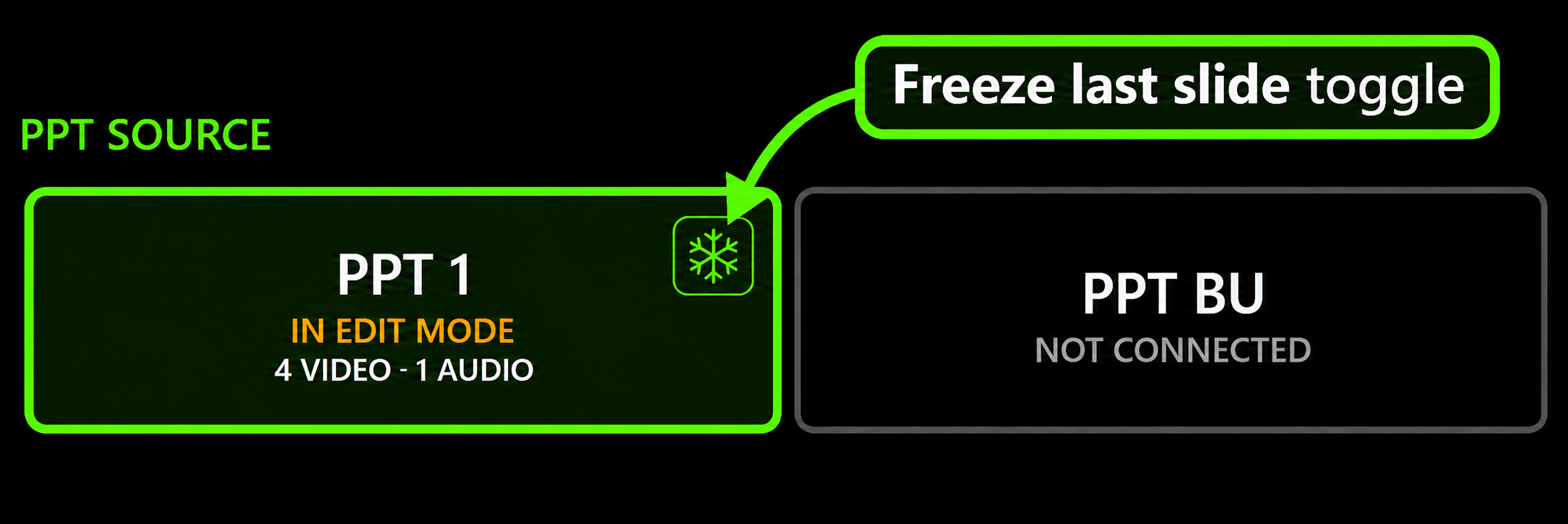
Toggle Freeze last slide from C⁴ during a show. The final slide’s builds still play; after its last build, supported forward keyboard and clicker inputs are blocked. Backward navigation and Esc remain available.
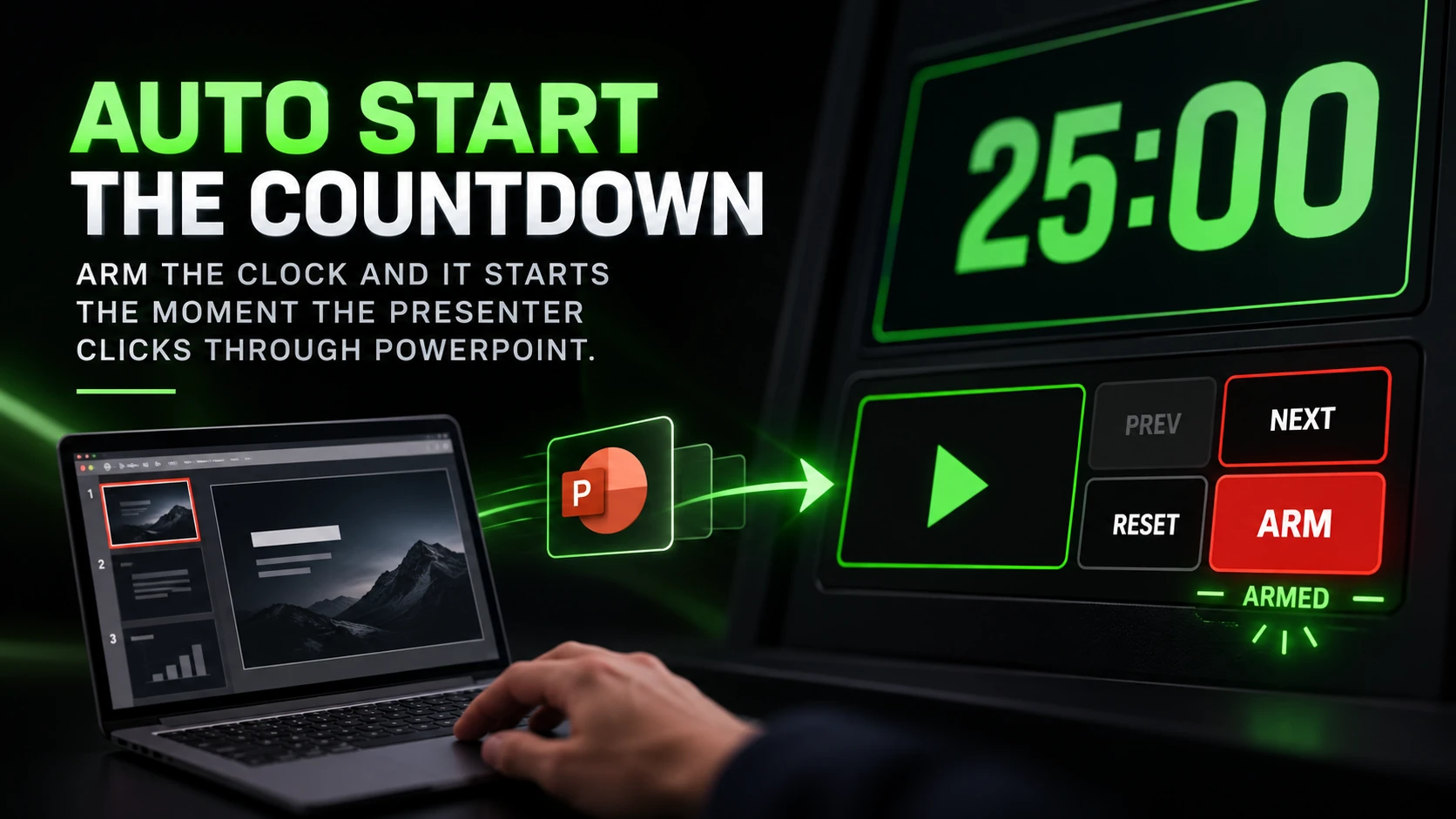
Arm the clock before the handover. C4 starts the countdown when the presenter begins advancing through the presentation.
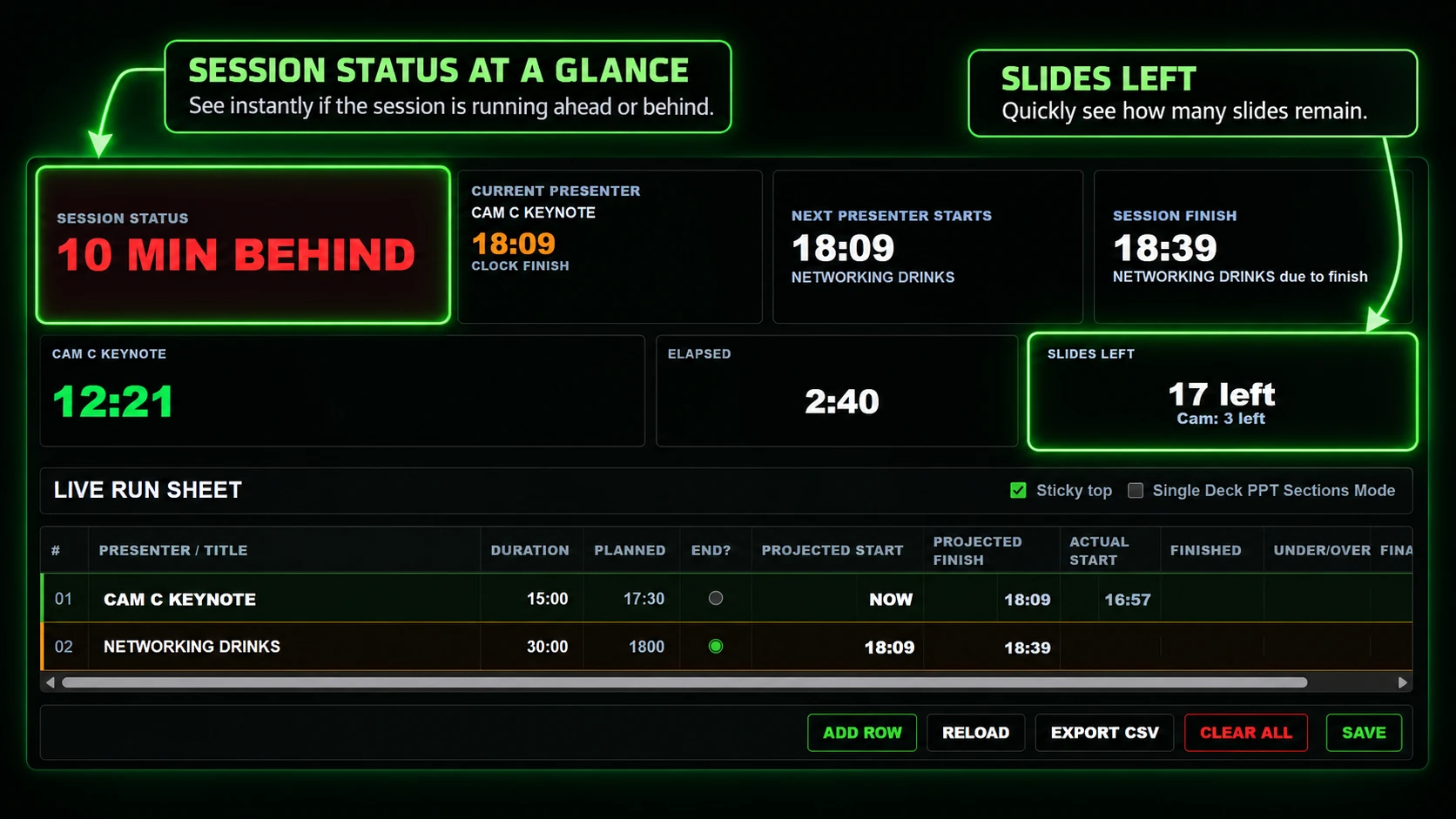
Combine the schedule, the active countdown and PowerPoint progress to see presenter finish times, the next start and projected session finish.

C4 compares actual timing with the planned run sheet and updates the session projection as the show changes.
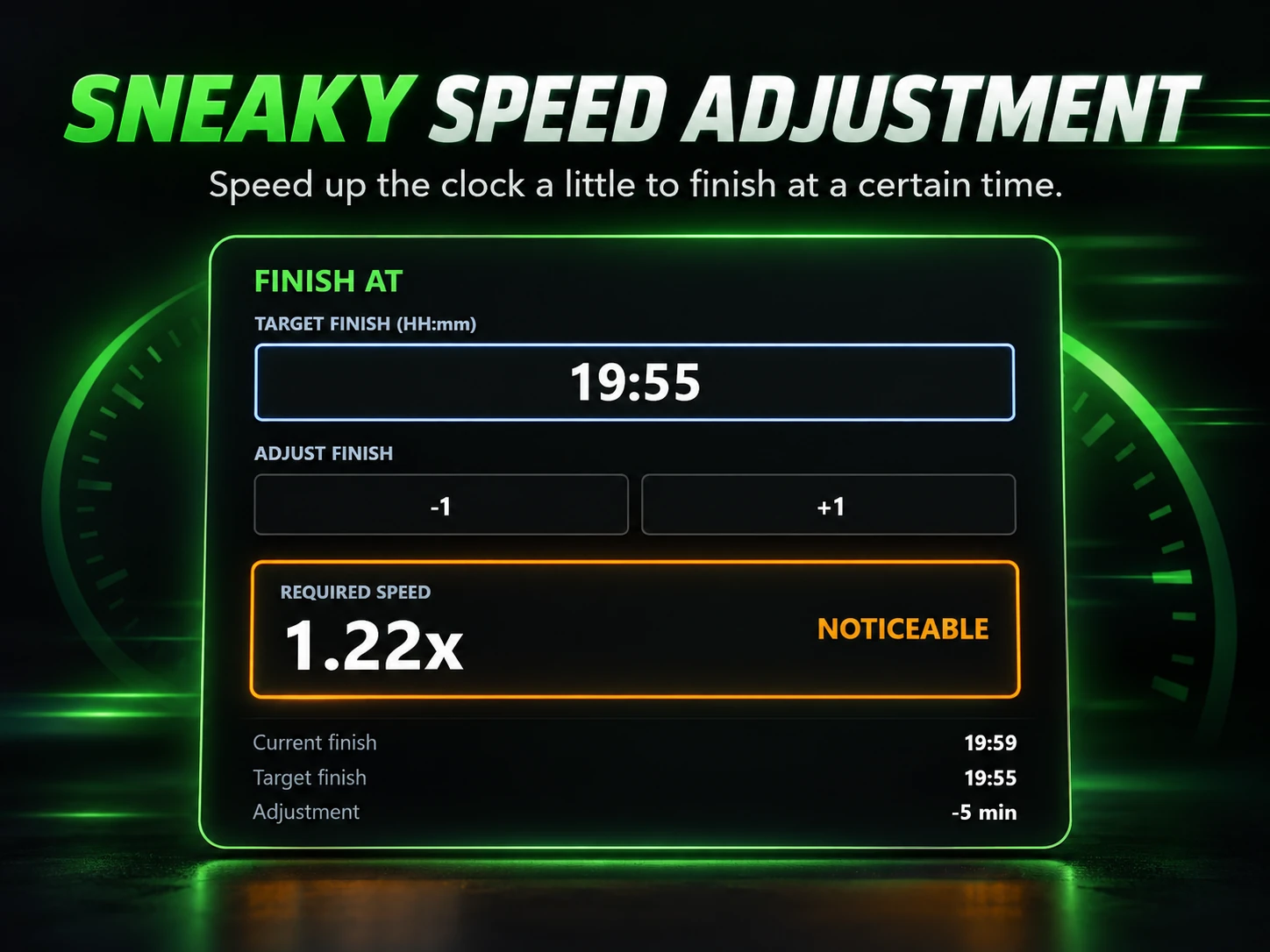
Set a target finish time and let C4 calculate a countdown speed adjustment, rather than making a sudden visible time change.

A browser view can show time remaining, current slide, slides remaining, presenter pace and projected finish. Share access with a QR code.

Selected users can be given permission to adjust timing or control parts of the session from a phone, tablet or computer.
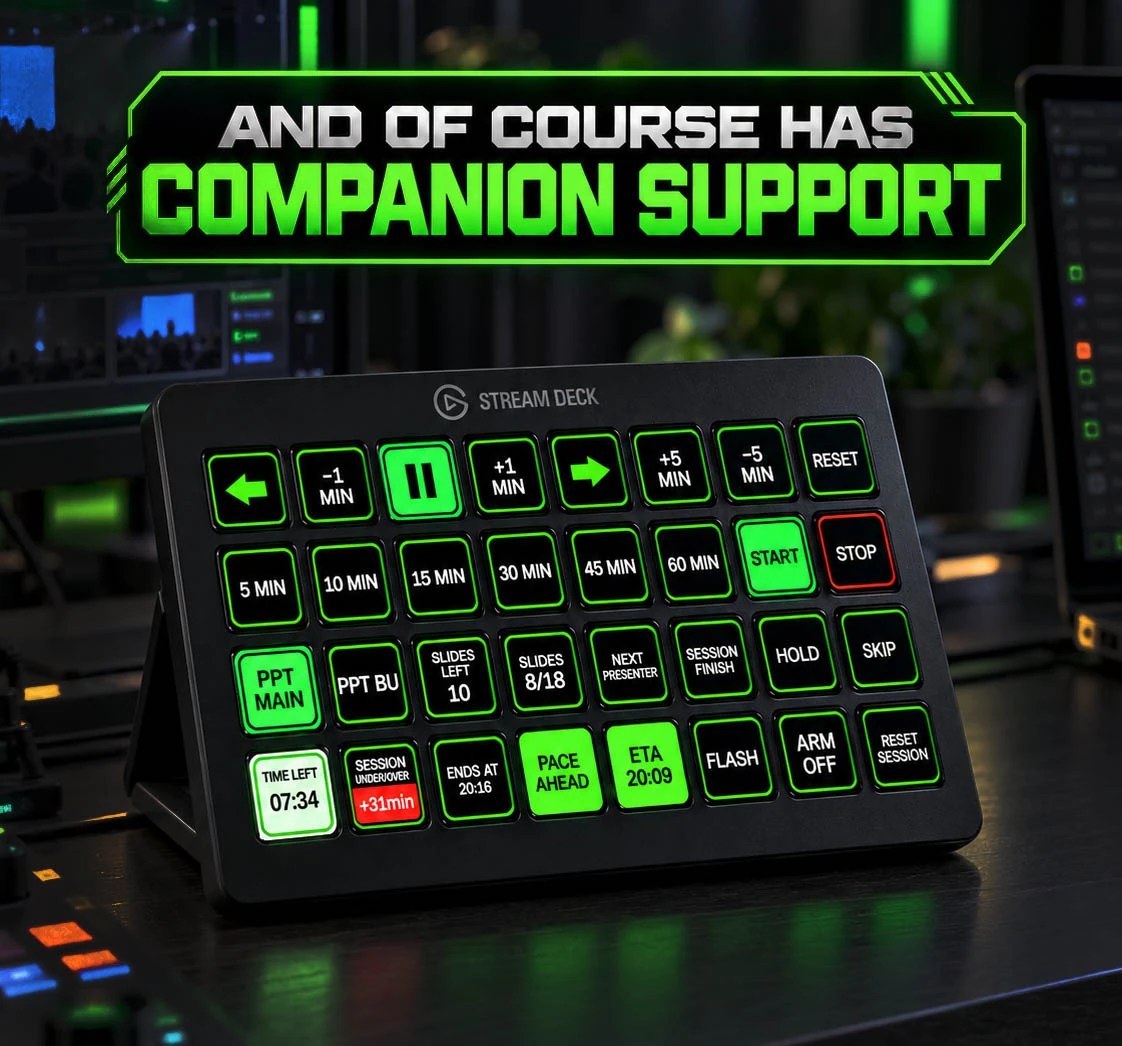
Use a Stream Deck with Companion to access C4 timing and session controls from a button surface.